

 01
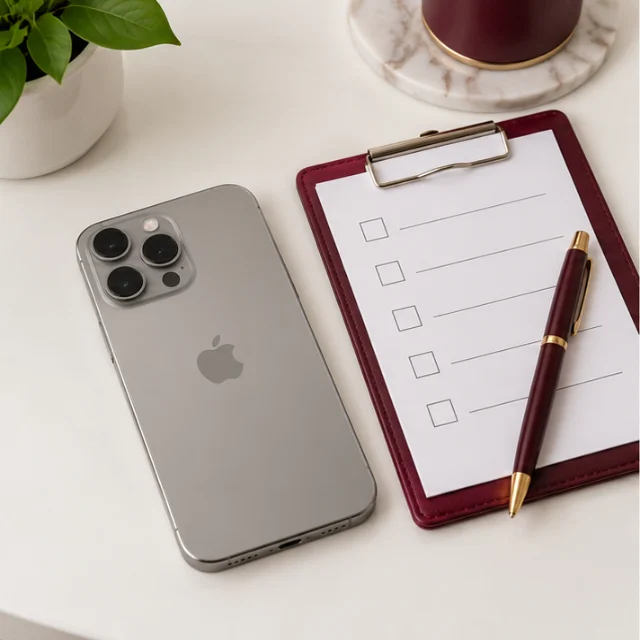
Request your iPhone offer
Tell us your model, storage and condition. Our team confirms your offer on WhatsApp.
A personal offer for your iPhone, free pickup and payment on collection. Pro, Pro Max, standard and older models welcome.
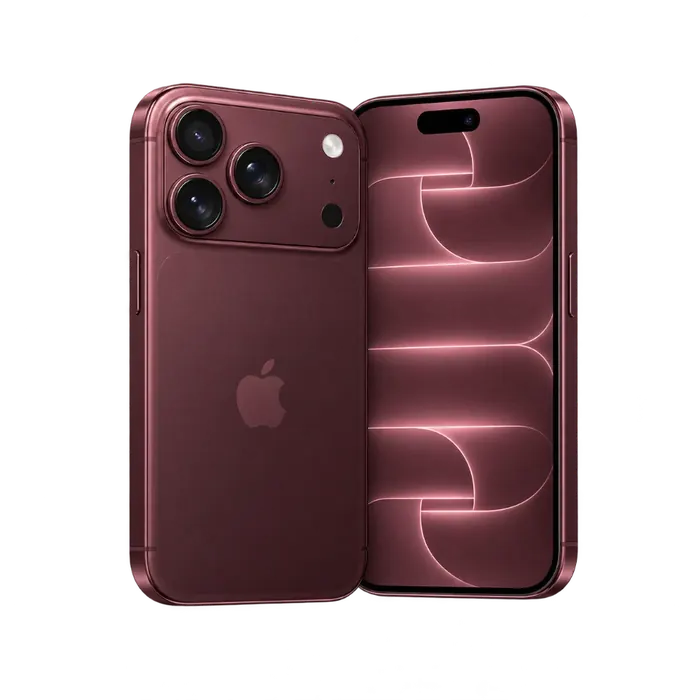
Get a personal offer for your model, storage and condition. Final price confirmed after inspection.
Find your model for a quote based on its storage and condition.
For an iPhone 18 Pro, Pro Max or another unlisted model, send its storage, condition and photos to our team. We will assess it directly rather than apply an older model's quote.
Ask about your model01Tell us your model, storage and condition. Our team confirms your offer on WhatsApp.
 02
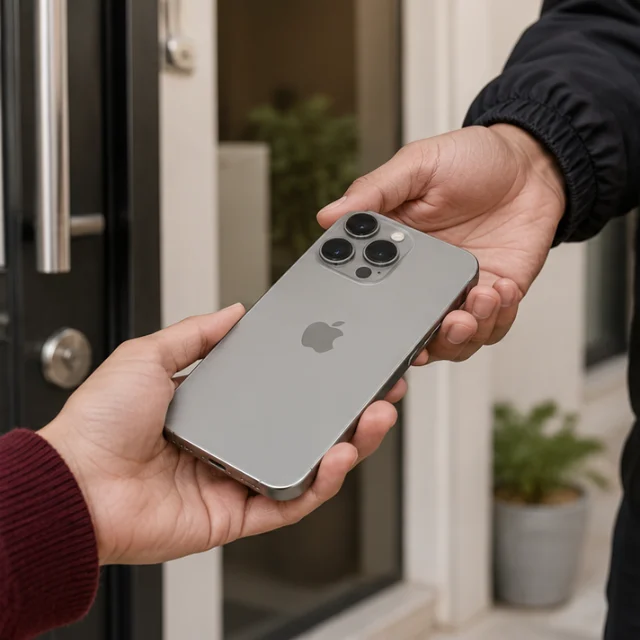
Arrange a convenient collection at your home or office. The device check happens with you.
 03
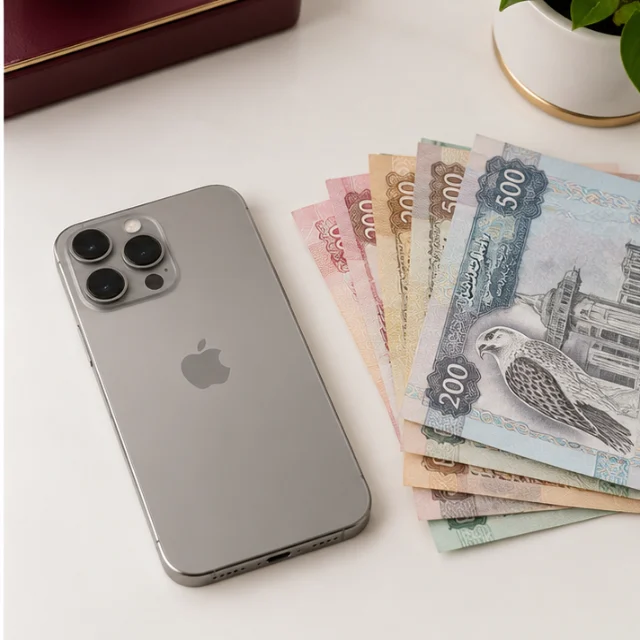
Once the condition is confirmed and you accept the price, receive cash or a bank transfer.
No listings, repeated negotiations or meetups with unknown buyers. Speak to our team, arrange a pickup and decide whether to accept the confirmed offer after the check.
Generation, screen wear and working features help determine the offer.
Your storage option identifies the right configuration for the quote.
Mention charging problems, battery wear or unexpected shutdowns.
Back up your files and remove Find My and account locks before handover.
A phone does not need to be immaculate to be assessed. Tell us what works, what has changed and what needs attention.
Include your exact model and storage rather than only the series name. During the check, screen condition, cameras, charging and working features help establish an offer for your device. Mention previous repairs or replacement parts before arranging collection.
An older iPhone may still be useful to another owner. Share its battery condition and any everyday faults, such as quiet speakers or unreliable charging. Boxes and accessories can be noted, but the device itself and its working condition remain the focus of the assessment.
Send clear photos of damage and explain whether the phone powers on. Screen cracks, liquid exposure, camera issues and charging faults need an individual check. Ask for an assessment before paying for a repair purely to sell; a repair bill is not necessarily recovered in the offer.
Keep using your phone while you arrange an offer. Complete your backup and account preparation before it changes hands.
Make a backup and check that your photos, contacts and important files are available on your replacement device. Do not manually delete synced iCloud photos or contacts as a substitute for erasing the phone.
Unpair your Apple Watch if needed, sign out of your Apple Account and remove activation locks. Enter passwords yourself, never send them to a buyer. Allow time for any security delay.
After confirming your backup, erase the phone using Apple's instructions. Arrange mobile service on your replacement device and remove your physical SIM or old eSIM profile before handover.
Arrange collection where it suits you, rather than travelling with your device to meet an unknown buyer.
Share your area and preferred time when discussing the offer. Our team confirms availability for your address, including areas such as Al Barsha, Dubai Marina, Business Bay and Jumeirah. Keep the phone charged so its features can be checked at collection.
The final offer follows the device check. Review the amount and payment method before accepting and handing over your iPhone. Pickup timing is confirmed by our team rather than guaranteed by the model you select.
We buy Pro, Pro Max, standard and older iPhone models. Find your model in the quote tool or contact our team if it is not listed.
Yes. Let us know about cracks, faults or battery problems so we can assess the device and quote its actual condition.
Your model, storage, condition and battery health help determine the offer. The final price is confirmed after the device check.
Yes, pickup is free within Dubai. Our team will confirm a suitable time for your address.
Payment is made after the device check and your acceptance of the confirmed offer, by cash or bank transfer.
Back up your files, sign out of your Apple Account and disable Find My before handover. Our team can guide you if needed.
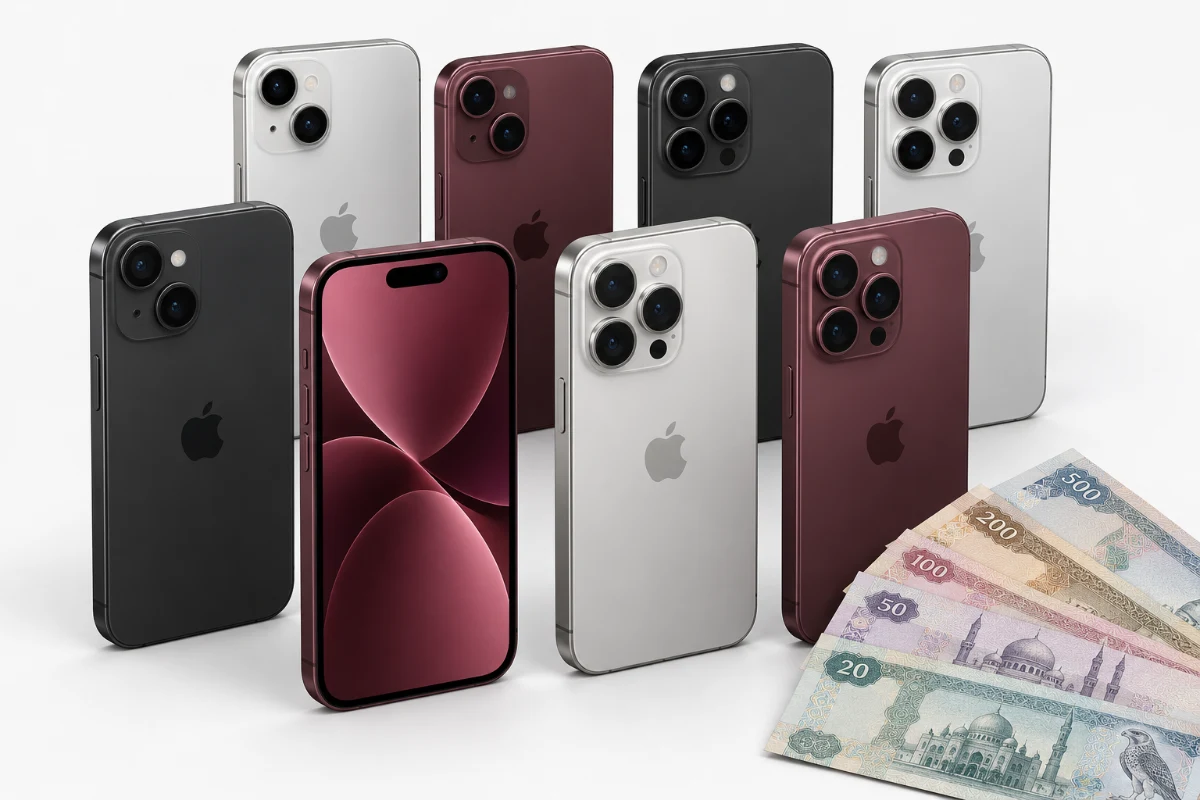
Business & fleet buyback
Office refresh, retired equipment or surplus stock. Discuss the inventory and agree the next steps with our team.
Speak to our team and arrange free Dubai pickup.