Confirm the model and storage
Find the device details in Settings, then About phone. Identify Pro, Pro XL, A or Fold precisely; similar names do not describe the same hardware.
A personal AED offer, free Dubai pickup and payment after the device check.
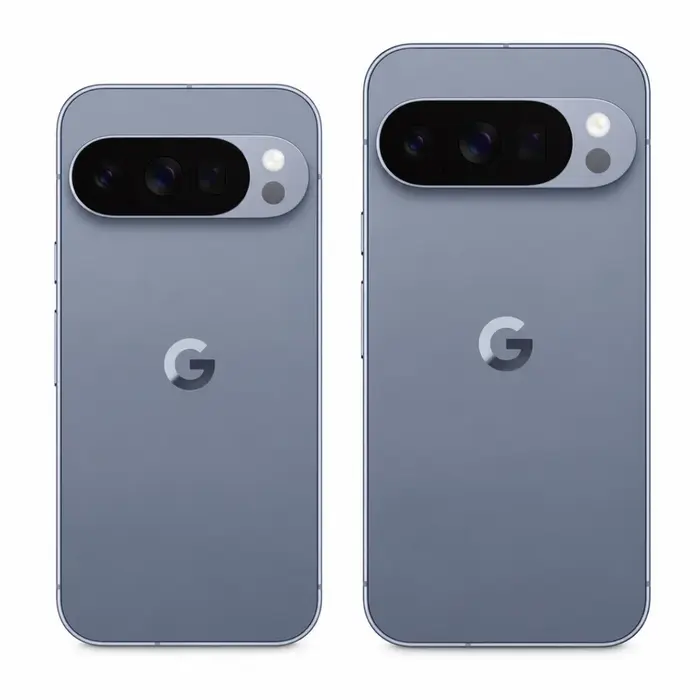
Pixel, Pro, Pro XL, A-series and foldable models are assessed individually. Tell us the exact generation, storage, regional version and condition, including any screen, camera or battery problems.
Choose the device family and condition.
Check these details before sharing photos and arranging an assessment.
Find the device details in Settings, then About phone. Identify Pro, Pro XL, A or Fold precisely; similar names do not describe the same hardware.
Include photos of the camera bar and screen. Mention lens damage, focus problems, network restrictions, charging issues or repairs rather than leaving them for the collection visit.
For a Pixel Fold or Pro Fold, photograph both displays and the hinge. Disclose inner-screen marks, touch faults or problems opening and closing the phone.
We assess the actual device and included items. There is no fixed price that applies to every model, configuration or condition.
A Pro, Pro XL, A-series and Fold are different devices. Storage, regional model and the actual phone determine the assessment.
Explain battery drain, screen damage, camera faults and any replaced parts. Clear photos help us understand the phone before the device check.
You must be able to remove your own Google account and device protection. A factory reset alone is not a workaround for an account lock.
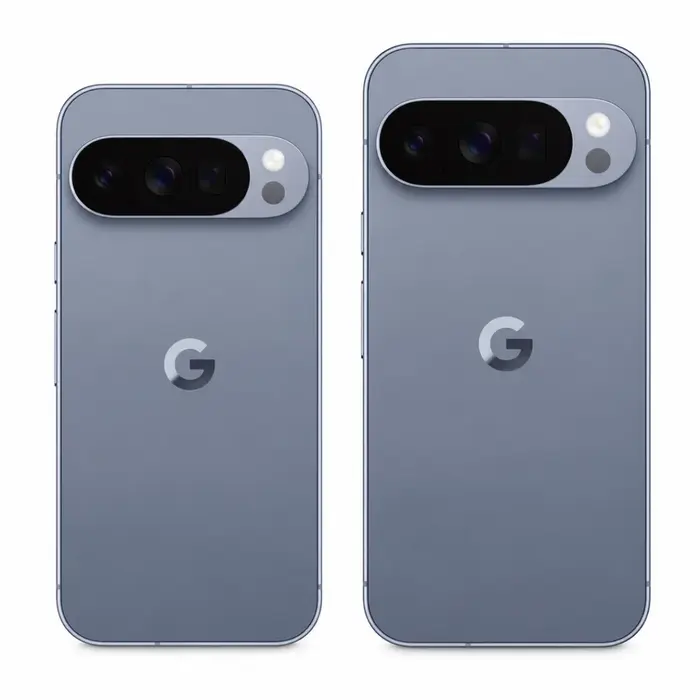
Send the exact Google Pixel model, condition and photos. Include the items you want to sell with it.
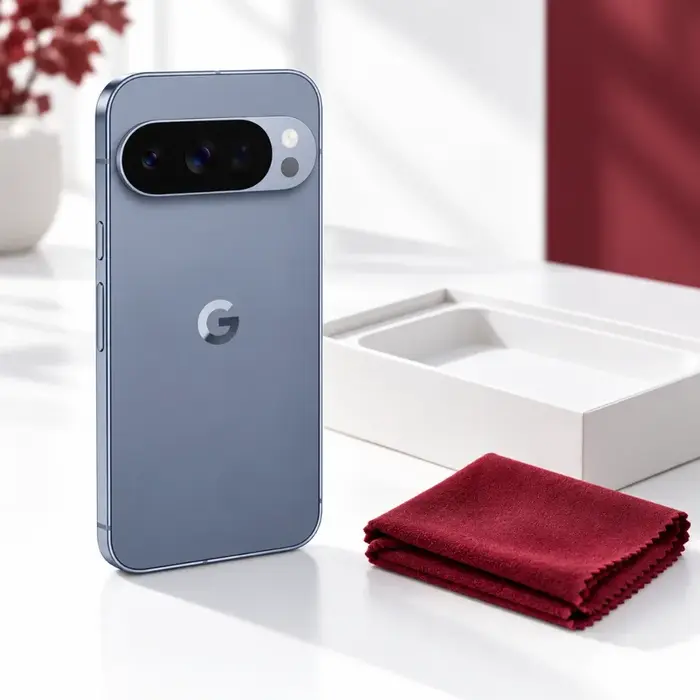
Confirm the offer discussion, Dubai address and an available collection time with our team.
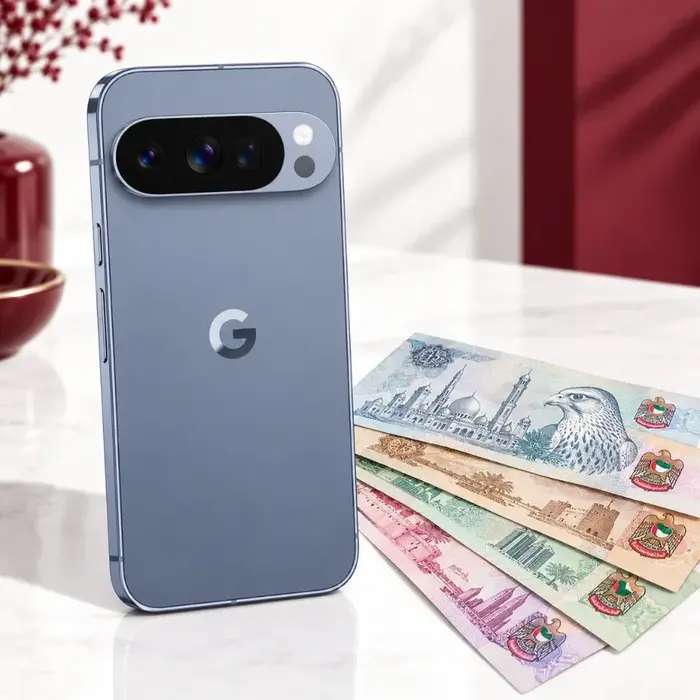
After the agreed checks, review the confirmed amount and payment method. Accept before handing over the device.
Check your photos, files and messages are backed up and accessible. Transfer authenticator access and any data that does not sync automatically.
Remove your own account and screen lock following Google's guidance. Resolve work-profile management with the organisation that controls it.
Use Google's reset instructions, remove physical SIM cards and confirm what to do with eSIM service. Keep account credentials private.
Pixel 10, 9, 8 and earlier generations. Pixel 9a, 8a, 7a and earlier A models. Foldables with inner-screen and hinge checks. Unlisted or older models can be discussed. Share an unlisted model for an individual assessment; suitability is confirmed before collection.
Share the regional version, network restrictions and any differences from a UAE-supplied device. We assess the actual phone and confirm suitability and collection before booking.
The exact model, storage, working condition, account status and included items inform the assessment. We confirm the offer after inspecting the actual device; there is no guaranteed online price.
Standard collection within Dubai is free. Confirm your address and an available appointment with our team. Outside Dubai, confirm availability and any collection costs first.
Review the confirmed offer after the agreed device checks. Payment is arranged by cash or bank transfer if you accept; verify receipt before handing over your phone.
You must remove your own accounts and resolve any organisation management before the sale. We do not bypass Google, manufacturer or workplace protection. Do not share passwords or recovery codes.
Share the details and discuss an offer with our team.