
Generation and connectivity
Identify the generation, storage and Wi-Fi or Wi-Fi + Cellular configuration. The model number is more useful than a description such as 'the large iPad'.
A personal AED offer, free Dubai pickup and payment after the device check.
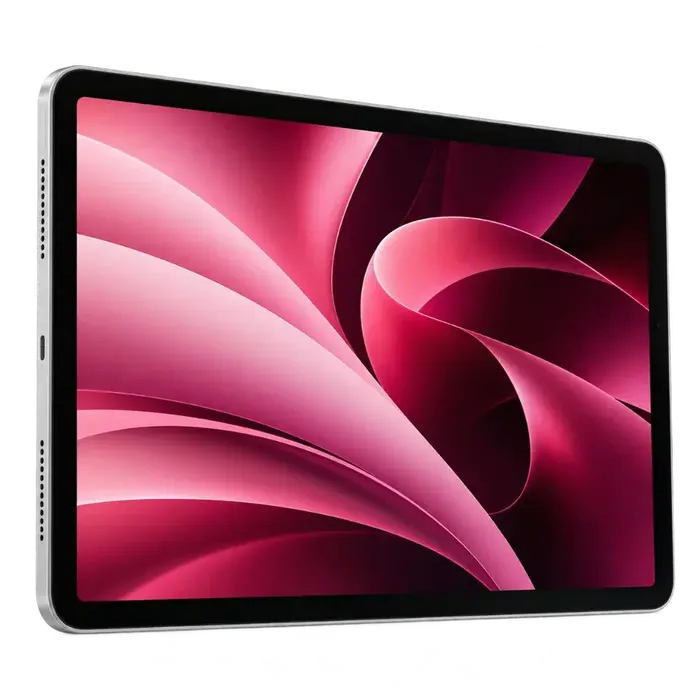
The iPad family name is only the starting point. Generation, display size, storage and Wi-Fi or cellular configuration help identify your tablet, while battery, screen and accessory condition shape its assessment.
Choose the device family and condition.
The iPad family name is only the starting point. Generation, display size, storage and Wi-Fi or cellular configuration help identify your tablet, while battery, screen and accessory condition shape its assessment.
Identify the generation, storage and Wi-Fi or Wi-Fi + Cellular configuration. The model number is more useful than a description such as 'the large iPad'.
Mention cracks, touch faults, charging problems and any repairs. Include the condition of the display and, where fitted, Face ID or Touch ID.
List the exact Apple Pencil or keyboard model if you want to include it. Accessories are assessed as part of the proposed bundle, without an automatic promised price increase.
We assess the actual device and included items. There is no fixed price that applies to every model, configuration or condition.
Pro, Air, mini and standard iPad differ.
Capacity and Wi-Fi or cellular configuration.
Touch response, screen condition and charging.
Pencil, keyboard, charger and repair history.
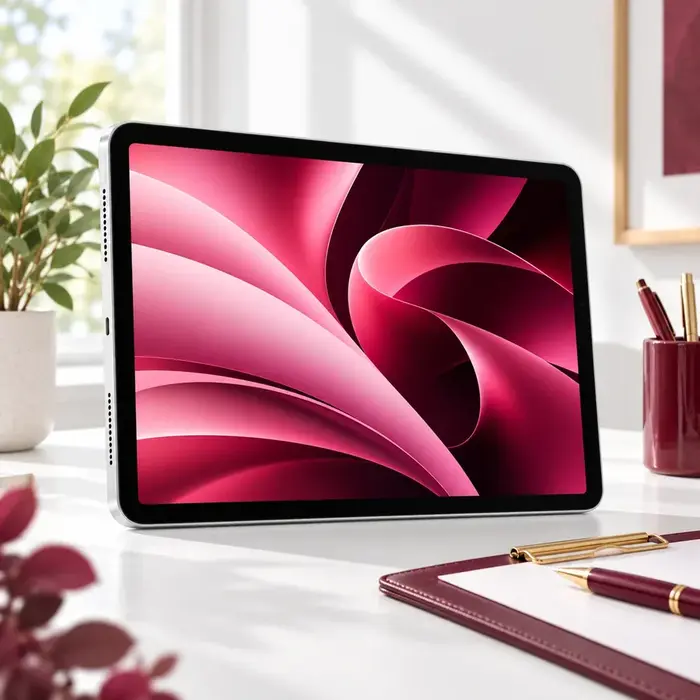
Send the exact iPad model, condition and photos. Include the items you want to sell with it.
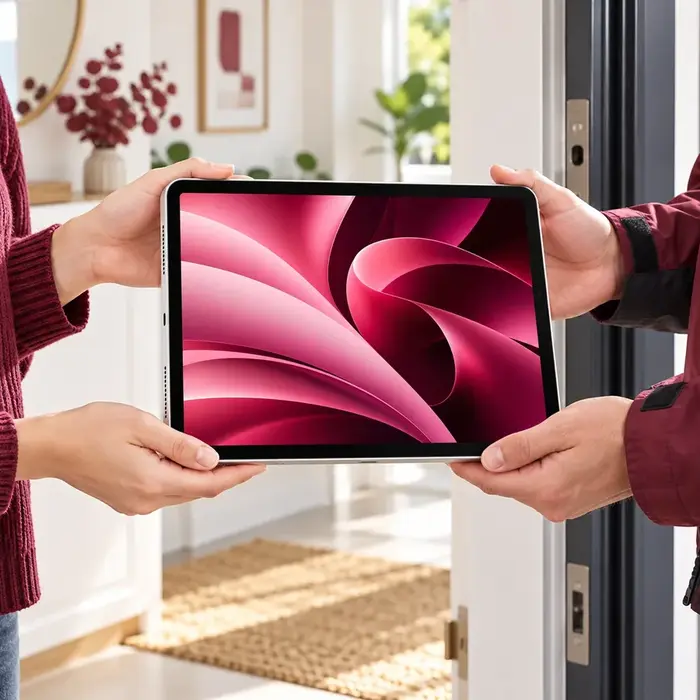
Confirm the offer discussion, Dubai address and an available collection time with our team.
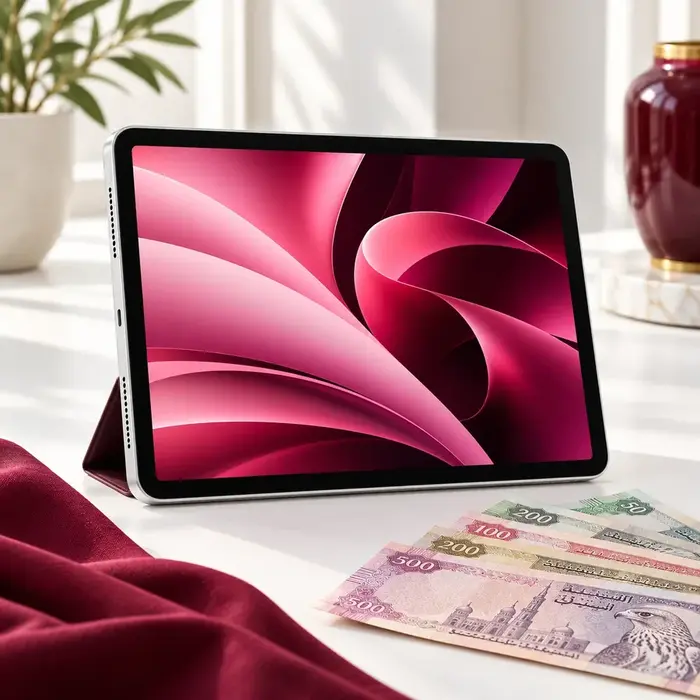
After the agreed checks, review the confirmed amount and payment method. Accept before handing over the device.
Save your photos, files and app information, then check your new device or backup before erasing the old iPad.
Follow Apple's preparation checklist to remove your account and Activation Lock. Do not manually delete synced iCloud photos as a substitute for erasing the device.
Transfer mobile service and remove the old SIM or eSIM profile if applicable. Set aside the Pencil, keyboard and charger that you agreed to include.
Choose iPad Pro, Air, mini or standard iPad and send the exact generation. Unlisted and older models can be reviewed individually; eligibility is confirmed by our team.
Yes. Tell us it is a cellular model and share the storage and generation. Transfer your mobile service and remove the old SIM or eSIM profile before handover.
List each accessory with its model and condition. Compatibility matters, so do not assume that every Pencil or keyboard works with every iPad.
Describe the damage and send clear photos first. Our team confirms whether the device can be assessed and discusses an offer based on its actual condition.
No. Review the confirmed amount after the device check and decide whether to accept before handover.
Share the details and discuss an offer with our team.