Use the building name and entrance
Share the property name, visitor entrance and reception requirements privately when booking. A location pin helps, but should not replace the building information.
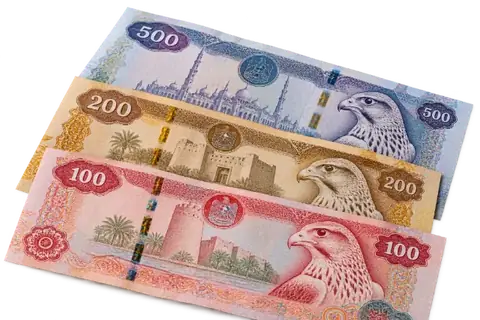
A personal AED offer, free Dubai pickup and payment after the device check.
For a Barsha Heights appointment, confirm the building and whether you are meeting at an apartment, office or agreed reception. Send your iPhone details first so the visit is arranged for an assessed device.
Choose the model, storage and condition.
For a Barsha Heights appointment, confirm the building and whether you are meeting at an apartment, office or agreed reception. Send your iPhone details first so the visit is arranged for an assessed device.
Share the property name, visitor entrance and reception requirements privately when booking. A location pin helps, but should not replace the building information.
Allow time for the phone check rather than arranging handover during a brief meeting break. If your workplace controls visitor access, confirm its procedure before the appointment.
The phone assessment and the collection appointment are separate decisions. Confirm both before the visit.
Storage, battery, working features, cosmetic condition and repair history are assessed together. Send clear photos of any faults.
Share the exact property address and access instructions privately. Confirm a time when the authorised seller can stay for the check.
Inspection can reveal details that photos do not show. Review the confirmed amount and payment method, then decide whether to accept.
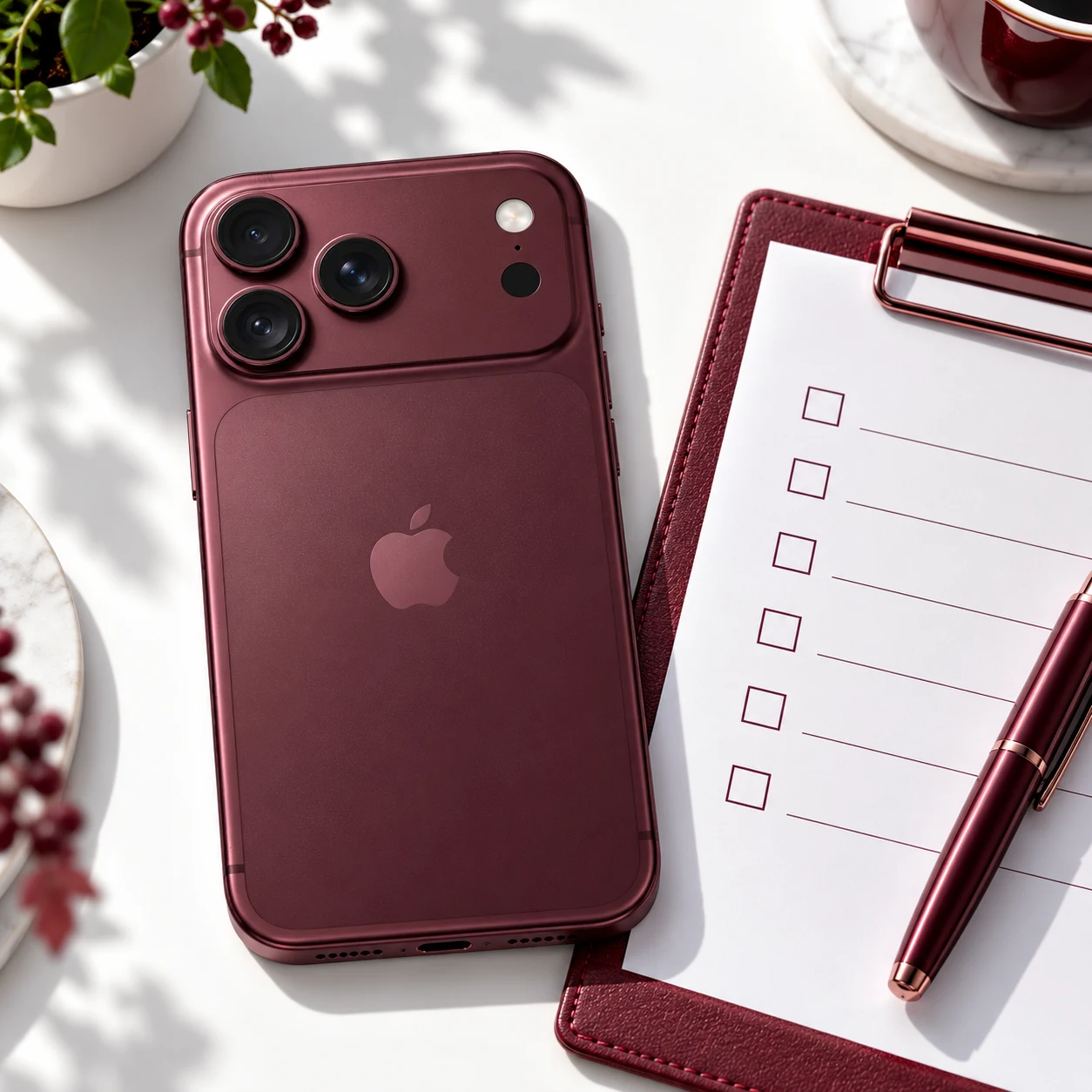
Choose the model, storage and condition, then share photos and any faults in WhatsApp.
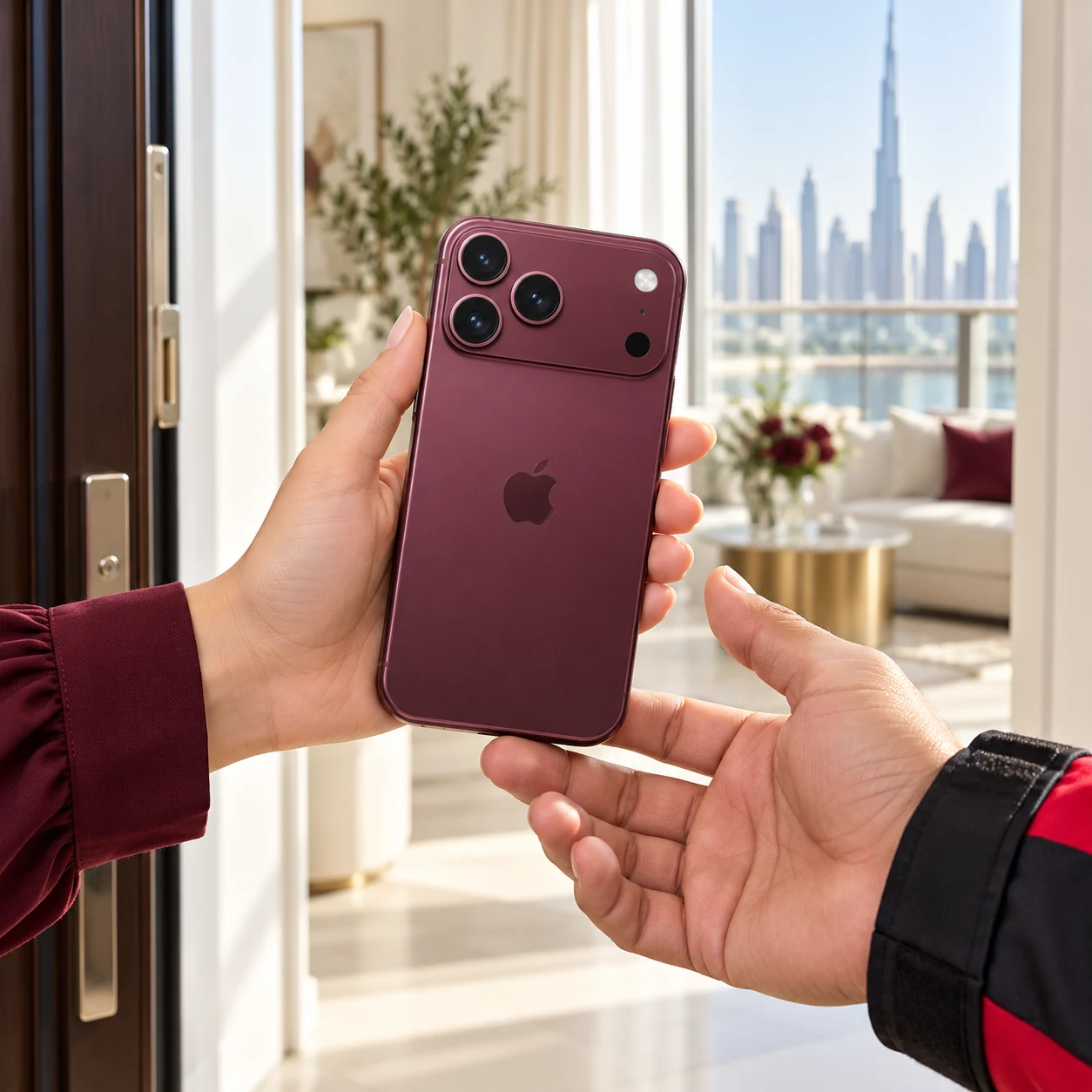
Confirm the Barsha Heights property address, visitor access and an available collection window with our team.
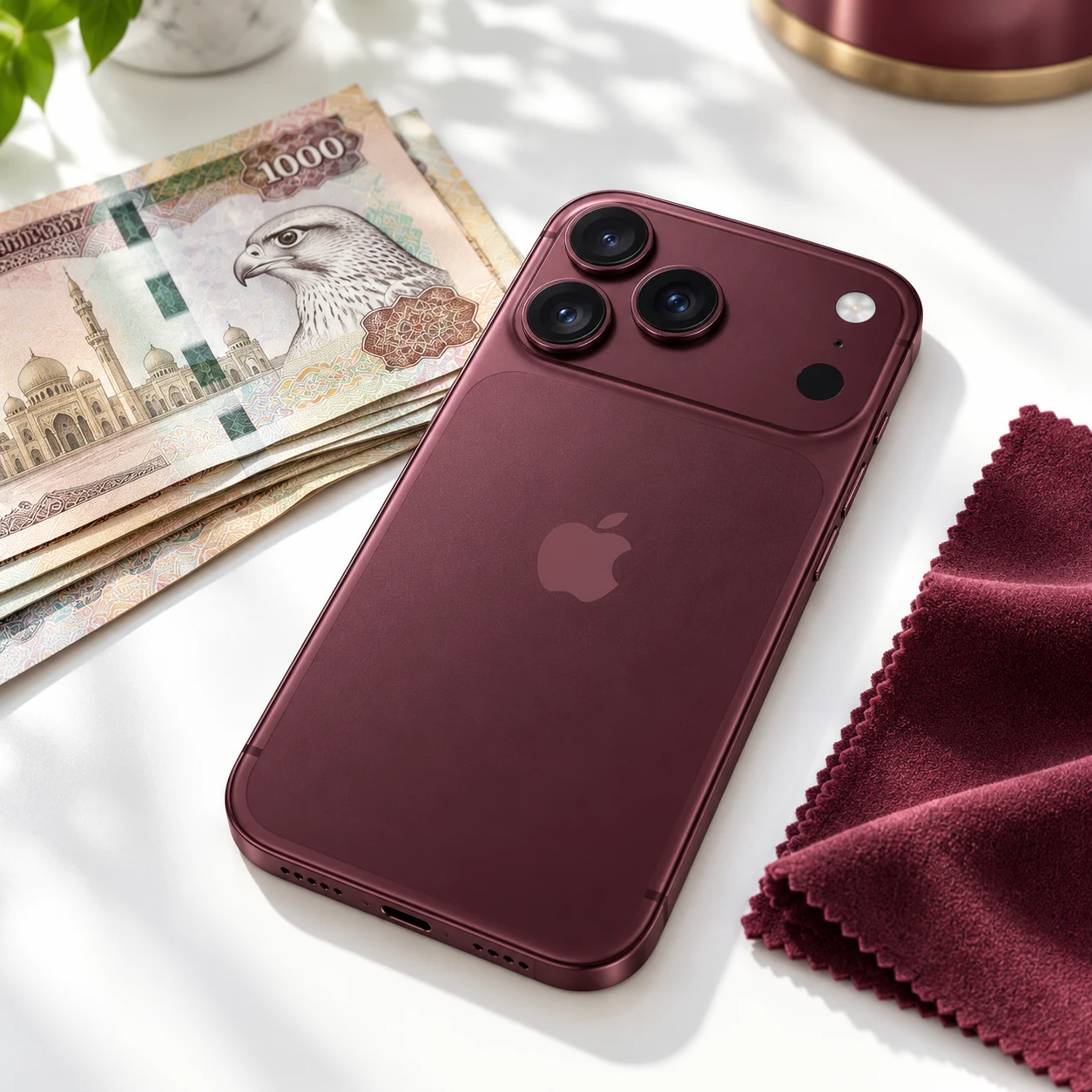
Review the final offer after the agreed inspection. Confirm the amount and payment method before the device changes ownership.
Save the information you need and check it on your replacement device or backup before erasing the old phone.
Follow Apple's instructions to sign out and remove Activation Lock. Enter passwords yourself, and leave time for any account-security delays.
Transfer mobile service and remove the old SIM or eSIM profile before handover. Prepare only the accessories you agreed to include.
Ask your reception for permission first and agree the arrangement with our team. The owner or authorised seller should be available to review the phone check and final offer.
Share the exact model, storage configuration, working condition and clear photos. Mention battery or charging faults, repairs and parts messages. The assessment is for your actual phone, not an advertised price for every device.
Yes, describe what you have and any faults before arranging a visit. Our team confirms acceptance and an offer individually. Do not send the device before collection or delivery terms are agreed.
Review the confirmed amount and the reason for any change before handover. You decide whether to accept; an initial discussion based on photos is not a guaranteed final amount.
Back up and check the information you want to keep before erasing the phone. Follow Apple's preparation instructions, remove account locks privately and transfer mobile service. Never send your account password in WhatsApp.
Send the phone details and arrange your Barsha Heights pickup.